



USB Hubs for Kiosk & Self-Service Terminals
USB Hubs for Kiosk & Self-Service Terminals
Reliable Connectivity Behind the Screen — Powering 24/7 Unattended Operations
Self-service kiosks and interactive terminals are transforming how businesses engage with customers — from check-in counters at hotels and airports, to ordering stations in quick-service restaurants, to patient registration points in hospitals. Behind every kiosk screen is a collection of peripheral devices — payment readers, receipt printers, barcode scanners, cameras, RFID modules — that must all connect reliably through a single tablet or touchscreen. AOK’s industrial-grade USB hubs are purpose-built for this role: expanding a tablet’s single USB-C port into a complete peripheral backbone that operates around the clock without supervision.
✓ USB-C locking connector ✓ USB 3.0 — 5 Gbps ✓ PD charging up to 60–100 W ✓ Gigabit Ethernet (RJ45) ✓ Plug & Play, no drivers ✓ Overcurrent protection ✓ OEM / ODM customization ✓ CE / RoHS certified
The Connectivity Challenge Inside Every Kiosk
Modern self-service terminals run on compact tablets or all-in-one touchscreens — devices designed for portability, not for driving a stack of peripherals. A typical interactive kiosk may need to connect all of the following through a single USB-C port:
• Contactless payment terminal (chip & PIN, NFC, mobile wallet)
• Receipt or ticket printer
• 1D / 2D barcode or QR code scanner
• Camera for facial recognition or ID verification
• RFID / Mifare reader for loyalty or access cards
• Wired Ethernet for a stable network connection
• Continuous power delivery to keep the tablet charged 24/7
Consumer-grade USB hubs and dongles fail in this environment. Connections work loose from vibration, thin cables overheat under sustained load, and the hub itself lacks the overcurrent protection needed when a peripheral misbehaves. AOK’s kiosk-grade USB-C hubs solve every one of these problems with features engineered specifically for always-on, unattended deployments.
Why AOK USB Hubs for Kiosk Applications
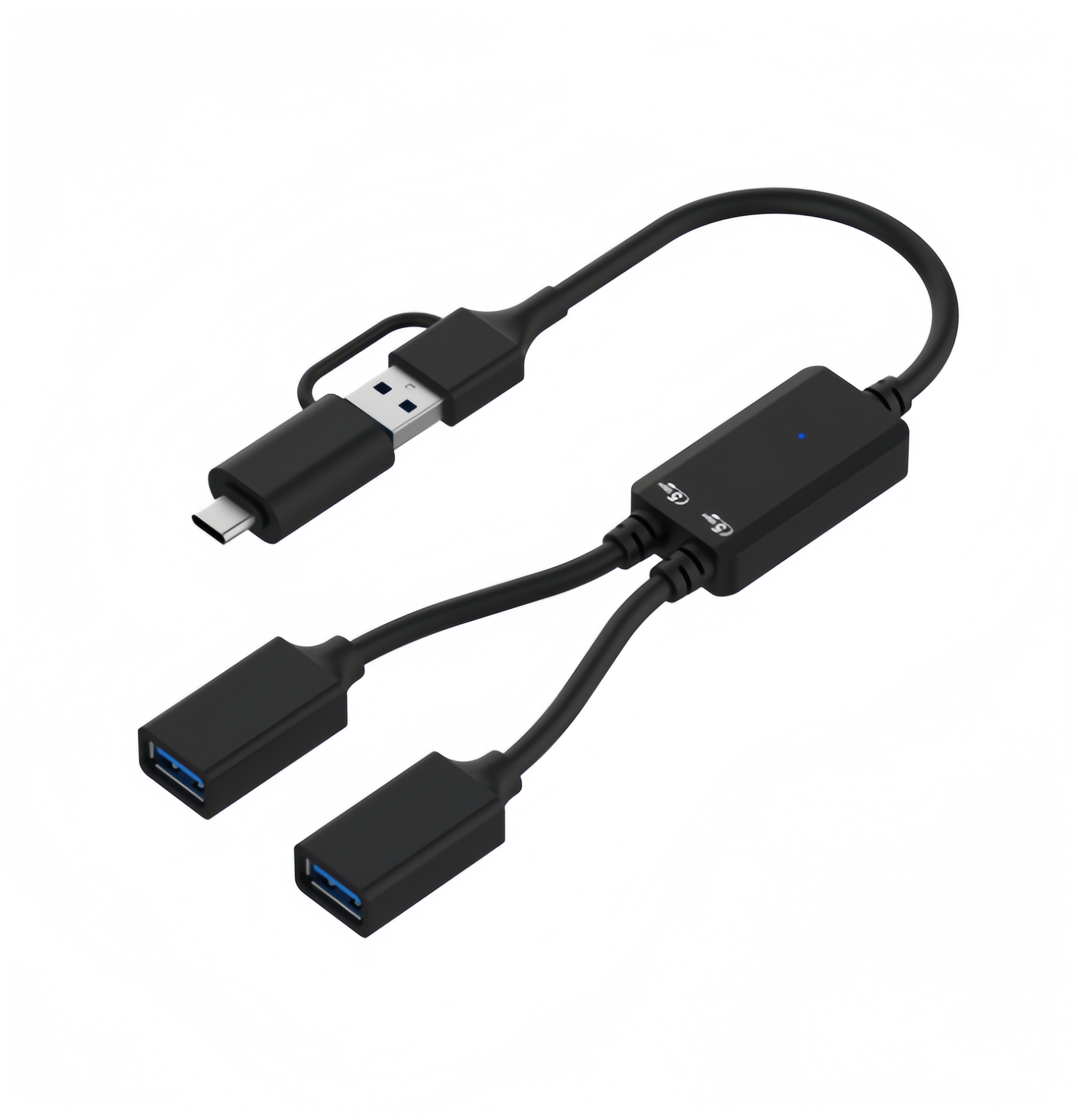
▮ Locking USB-C connector Dual-screw locking fitment compliant with USB-IF Type-C Locking Standard. The connector cannot be accidentally pulled free — critical in high-traffic, public-facing terminals where cables run inside sealed enclosures. | ♦ Charge while you serve USB-C Power Delivery pass-through (up to 60 W / 100 W depending on model) keeps the kiosk tablet charged continuously while all peripherals remain active. No need for a separate power cable — one connection handles data and power. | ★ Wired Gigabit Ethernet The integrated RJ45 port delivers stable 10/100/1000 Mbps wired connectivity — eliminating the Wi-Fi drops that cause payment failures and app crashes in busy kiosk environments such as airports, restaurants, and retail floors. |
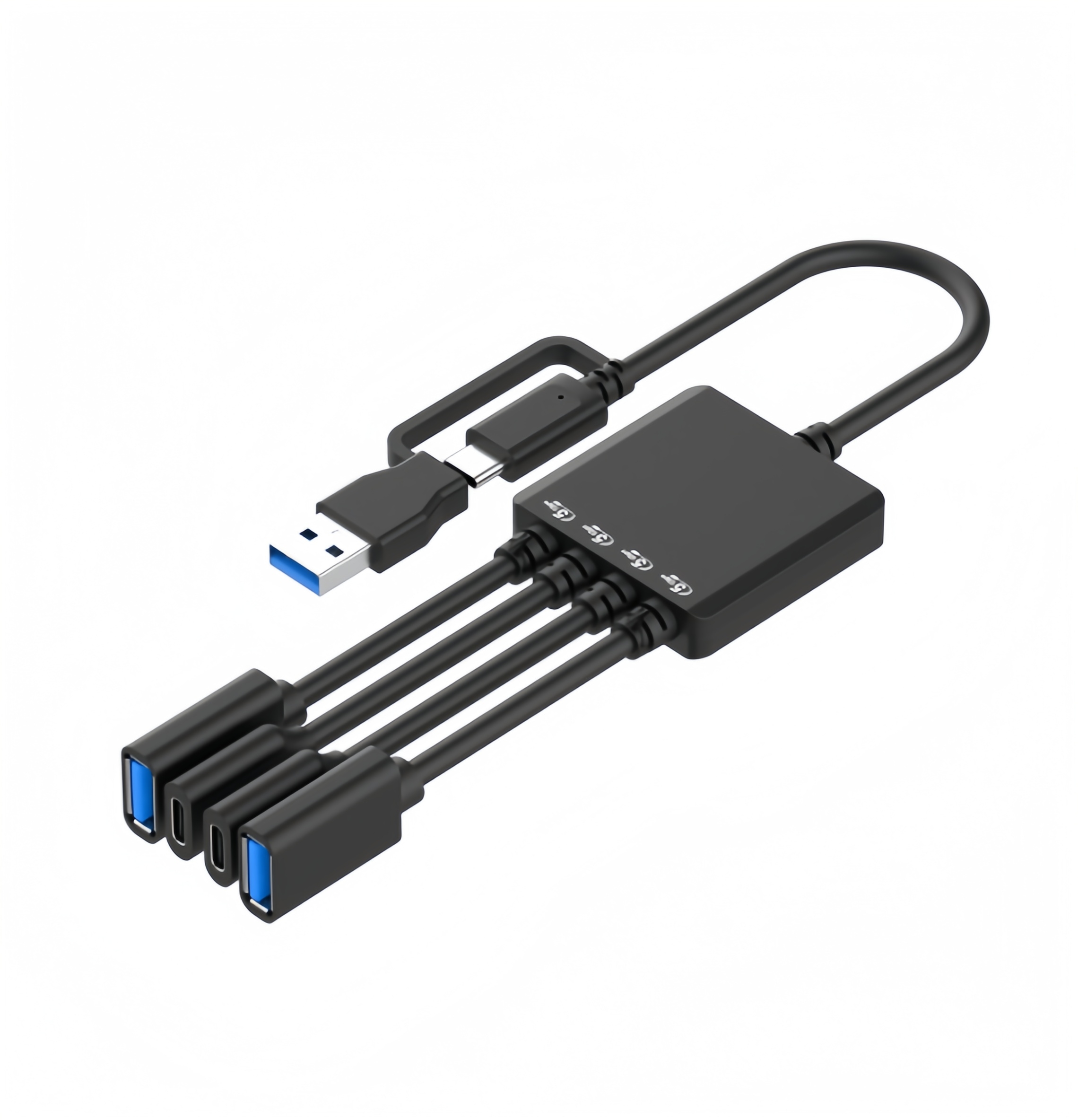
■ Multi-port peripheral support USB 3.0 Type-A downstream ports support scanners, printers, payment devices, RFID readers, and cameras simultaneously with data speeds up to 5 Gbps. All ports have built-in overcurrent protection to safeguard connected devices. | ▲ 90° L-shaped cable design Right-angle USB-C connectors allow the hub to sit flush inside tight kiosk enclosures without stressing the port. Available in USB-C, Micro USB, and Lightning cable variants to match any tablet platform — iOS, Android, or Windows. | ★ OEM / ODM ready Custom port configurations, cable lengths, housing form factors, branding, and packaging are available for kiosk manufacturers and system integrators. Full CE / RoHS documentation provided. MOQ and lead times quoted on request. |
Where AOK USB Hubs Are Used in the Kiosk Industry
Self-service technology is now standard across dozens of industries. In each scenario below, the USB hub is the invisible infrastructure layer that makes the kiosk work — connecting every peripheral back to the central tablet or touchscreen through a single, secure USB-C link.
Quick-Service Restaurants & Fast Food Self-ordering kiosks connect a tablet, payment terminal, and receipt printer through one USB hub. Locking connectors prevent accidental disconnection during peak hours. PD charging ensures the tablet never powers down mid-shift. |
Hotels & Visitor Management Guest check-in and visitor registration kiosks integrate passport/ID scanners, cameras, card readers, and key card dispensers. Wired Ethernet ensures the kiosk stays connected to the property management system even when lobby Wi-Fi is congested. |
Healthcare & Patient Check-In Self-service patient registration terminals in hospitals and clinics need stable connections to ID scanners, fingerprint readers, and label printers. Overcurrent protection on every port prevents an electrical fault in one peripheral from crashing the entire kiosk. |
Airports & Transport Hubs Boarding pass printing, baggage tagging, and self-service check-in stations operate around the clock. Locking USB-C connectors withstand constant passenger traffic and vibration from nearby conveyors — no service calls for loose cables. |
Retail & POS Terminals Tablet-based point-of-sale enclosures, digital catalogues, and self-checkout stations use USB hubs to bridge barcode scanners, contactless payment readers, and receipt printers. The compact form factor fits inside countertop or freestanding enclosures without adding bulk. |
Entertainment, Leisure & Betting Gaming terminals, betting kiosks, and interactive entertainment stations require simultaneous connections to touchscreens, cash acceptors, card readers, and receipt printers — all through a single hub, mounted securely inside the enclosure. |
Public Services & Government Wayfinding displays, e-voting stations, library self-checkout systems, and council information kiosks benefit from the USB hub’s reliability and Plug & Play simplicity — no driver installation, no IT overhead at remote sites. |
Tablet & OS Compatibility
✓ Apple iPad Pro / iPad Air (USB-C) ✓ Samsung Galaxy Tab (USB-C) ✓ Microsoft Surface Pro / Surface Go ✓ Lenovo Tab / ThinkPad Tablet ✓ Advantech & Elo industrial touchscreens ✓ Android, iOS, Windows, and Linux devices ✓ Any tablet or AIO PC with USB-C or Thunderbolt™ 3/4 port
How It Fits Inside a Kiosk Enclosure
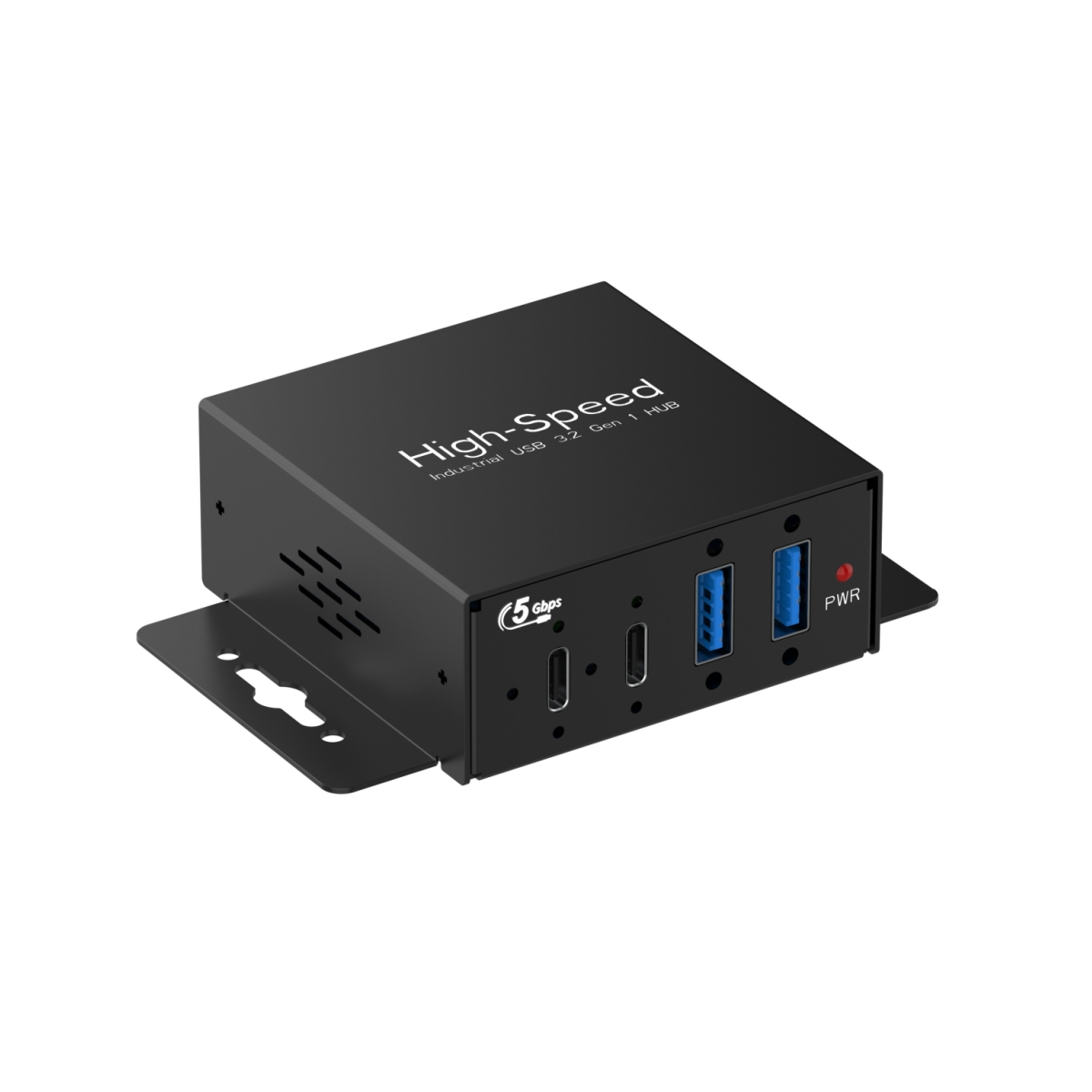
AOK USB hubs are designed to be mounted out of sight — inside the sealed body of a tablet enclosure or behind the screen panel of a freestanding terminal. The 90° right-angle locking cable connects the hub to the tablet’s USB-C port, while downstream USB-A and RJ45 ports connect to peripherals routed through internal cable channels.
For kiosk integrators, this modular approach means peripherals can be swapped or upgraded without replacing the hub — a printer change or the addition of an NFC reader is a simple plug-and-play operation. The hub itself is compact enough to fit inside countertop, wall-mounted, or freestanding kiosk housings.
AOK’s locking cable is available in three connector variants — USB-C to USB-C, USB-C to Micro USB, and USB-C to Lightning — so the same hub platform can support iPads, Android tablets, and Windows devices without hardware changes.
For Kiosk Manufacturers & System Integrators
AOK works directly with kiosk OEMs, enclosure manufacturers, and system integrators worldwide. Whether you need a standard USB-C hub in volume or a fully customized solution with specific port configurations, cable lengths, and form factors tailored to your enclosure design — AOK’s engineering team can deliver. All products ship with full CE / RoHS certification and technical documentation to support your compliance requirements.
Need a USB hub solution for your kiosk or self-service terminal?
AOK provides OEM / ODM USB-C hubs with locking connectors, custom port configurations, and Gigabit Ethernet — engineered for 24/7 kiosk operation. MOQ and lead time quoted on request.
Contact Us →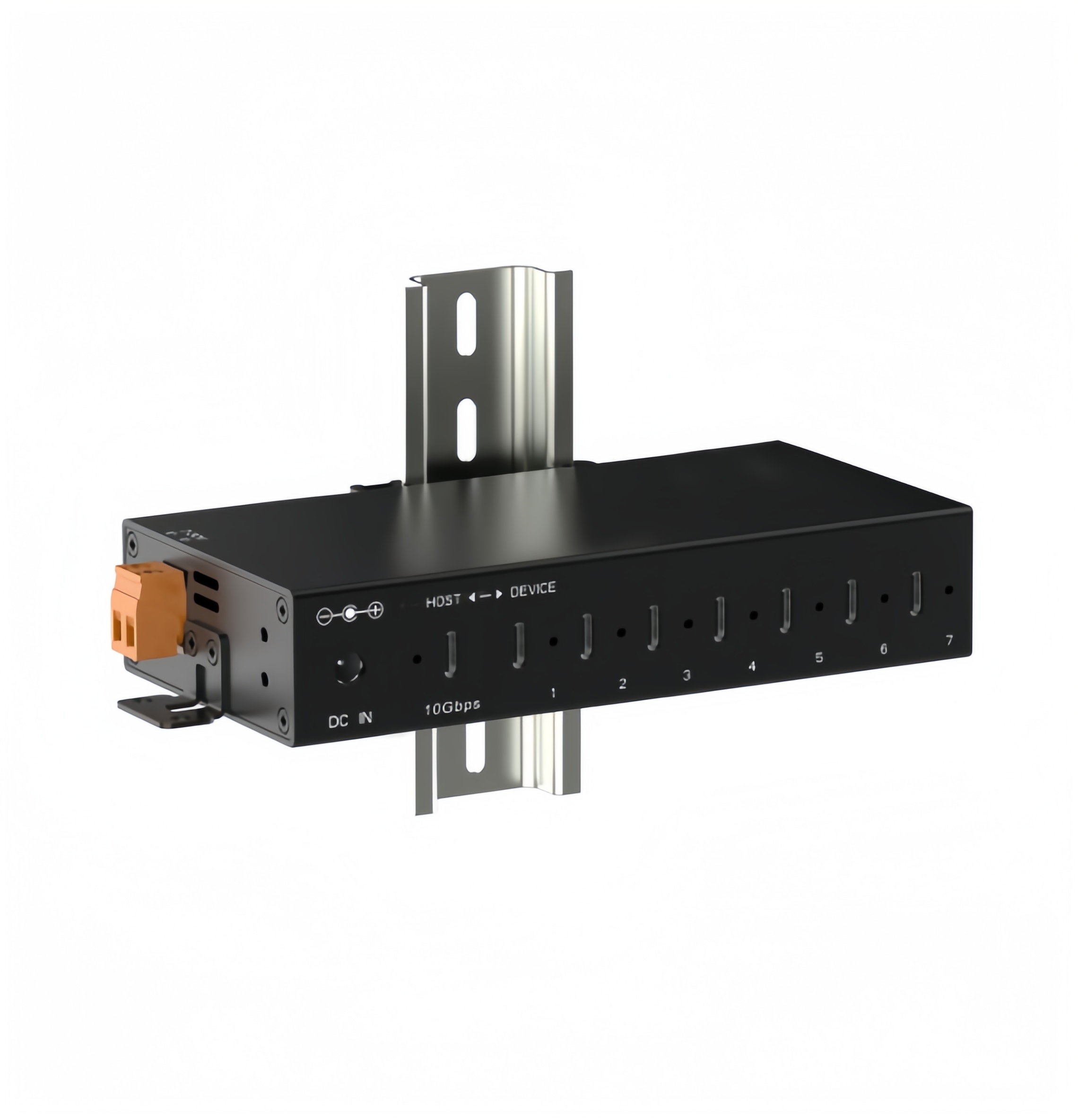
AOK Electronics Co., Ltd.
- Factory Add.:Bldg A, No.9 Changyi Rd, Wuguishan Town, Zhongshan, GuangDong, China 528400
- Tel:+86 760 8993 5569
- :
- E-mail:info@aok-top.com

